Install Booklet in Obsidian
Install the Booklet plugin, then open your first booklet. Booklet needs Obsidian 1.11.7 or later.
On a computer
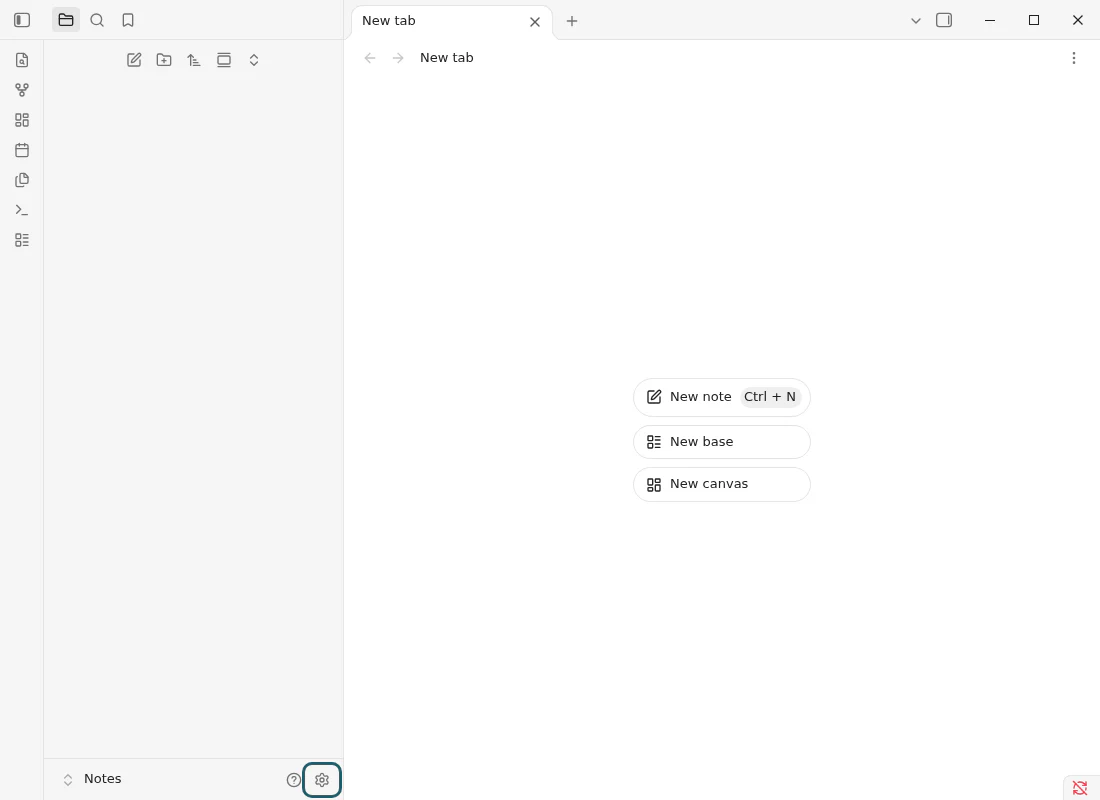
1 Open Settings
In Obsidian, press the gear at the bottom left, beside your vault's name.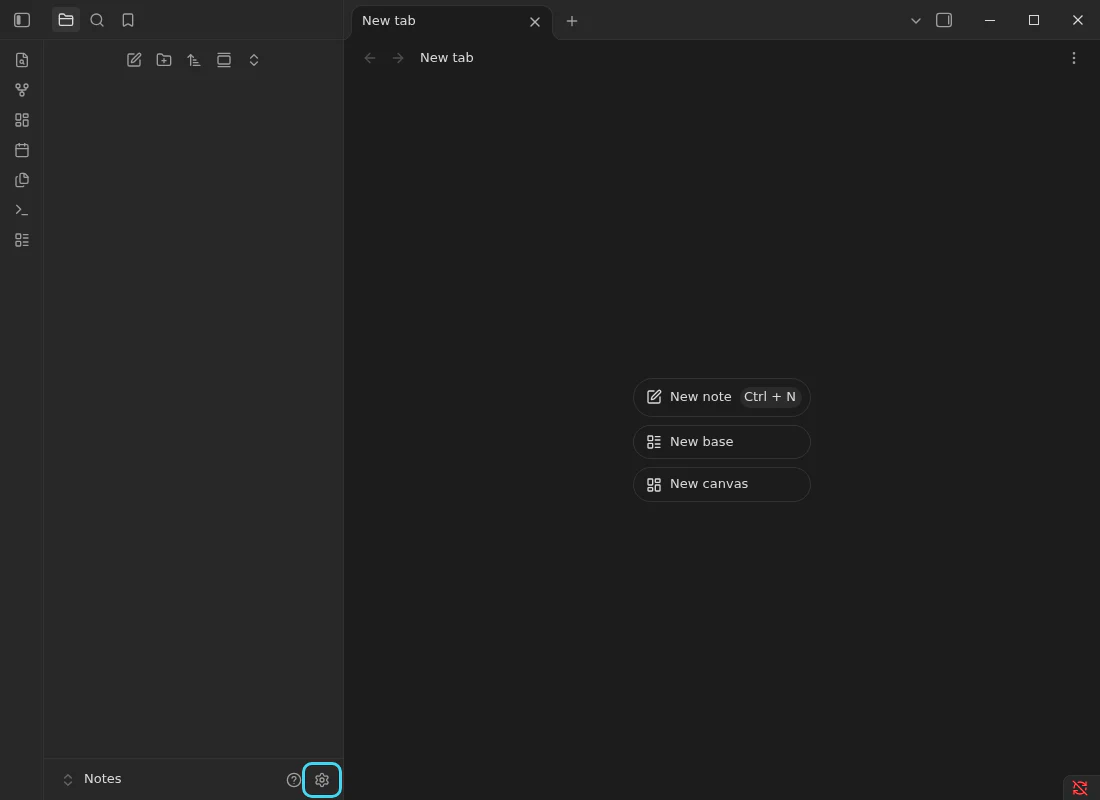
2 Turn on community plugins
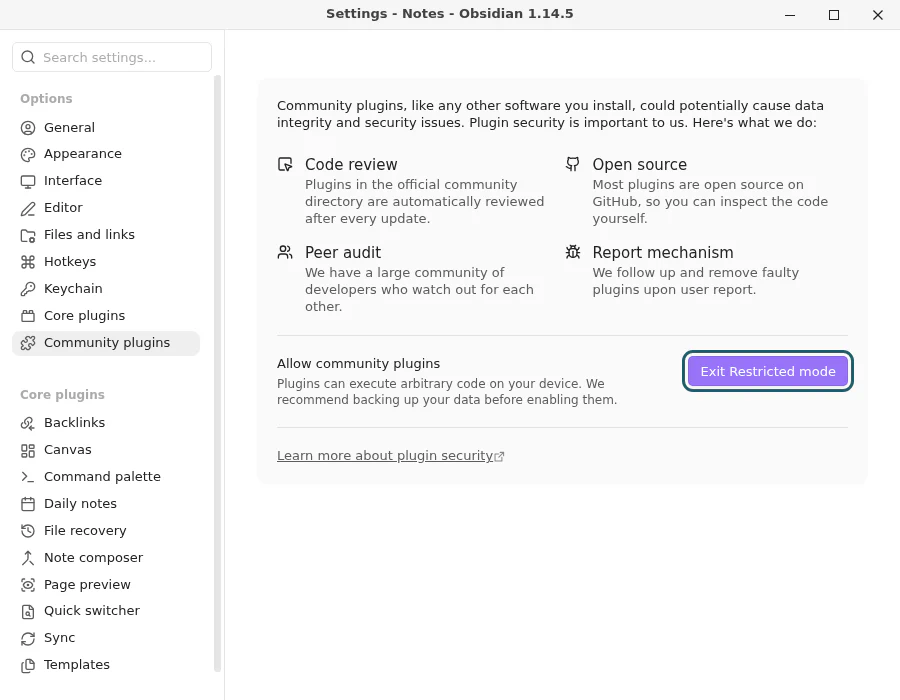
Choose Community plugins. Beside Allow community plugins, press Exit Restricted mode.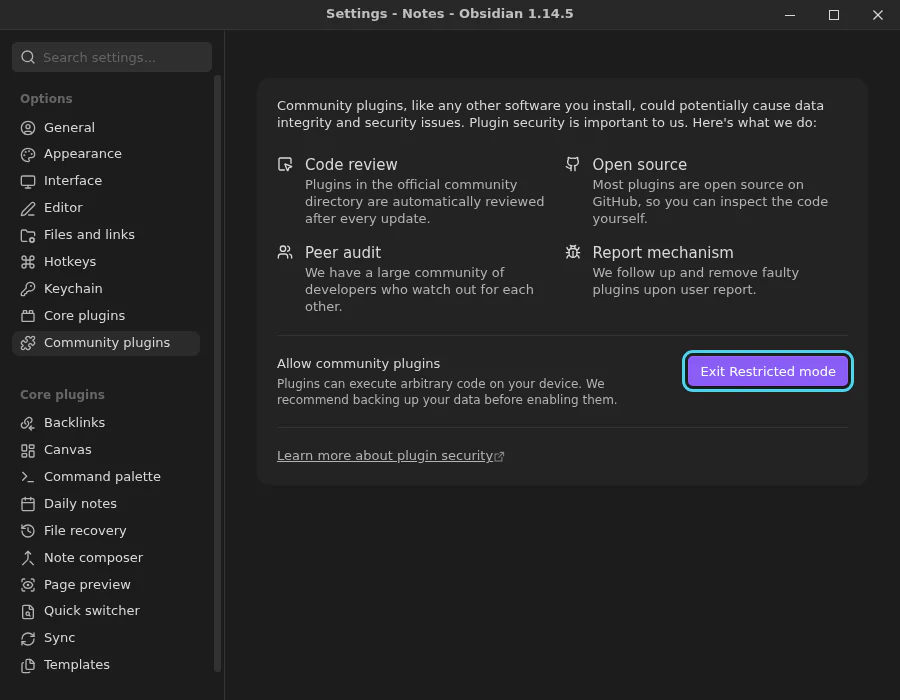
3 Find Booklet
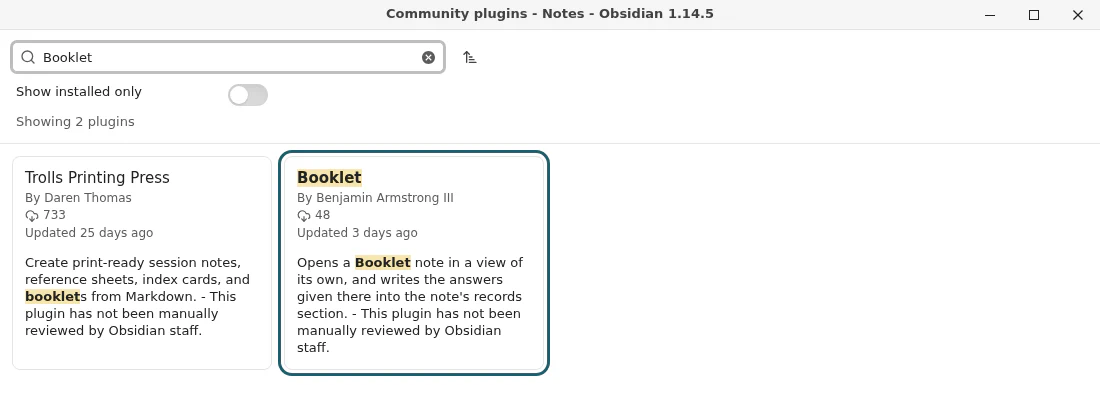
Press Browse. Type Booklet in the search box, and choose Booklet, by Benjamin Armstrong III.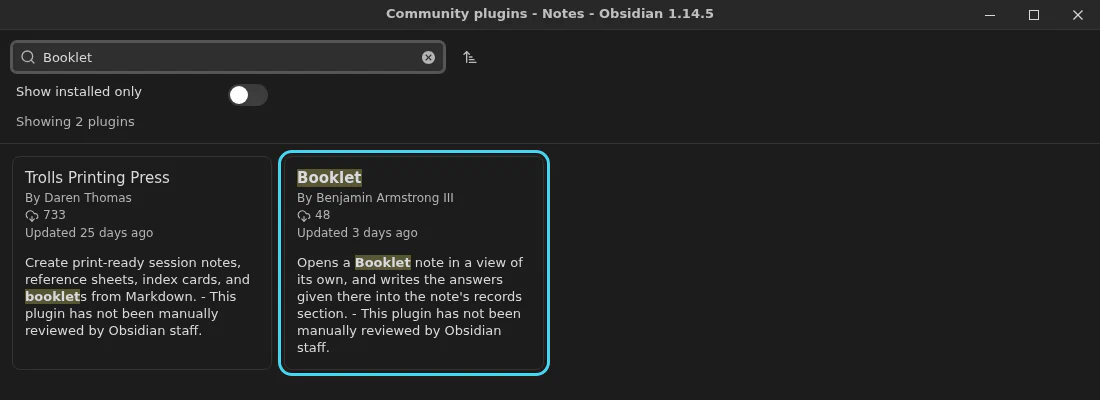
4 Install it
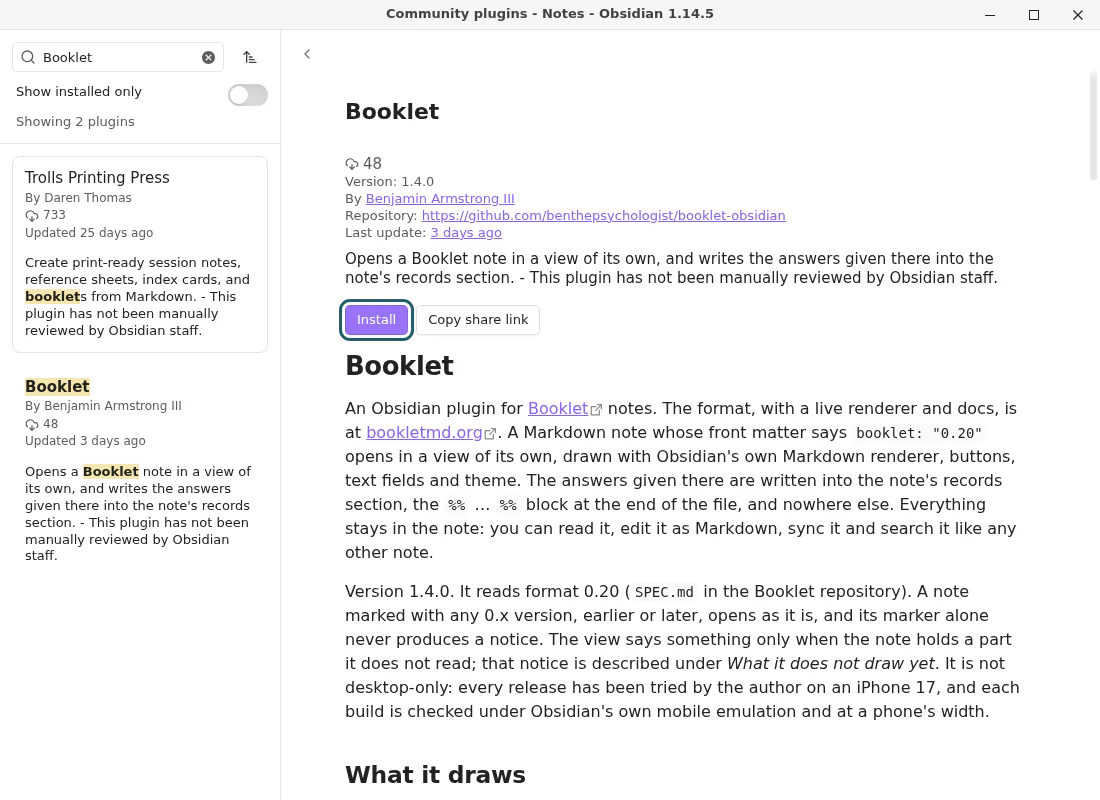
Press Install.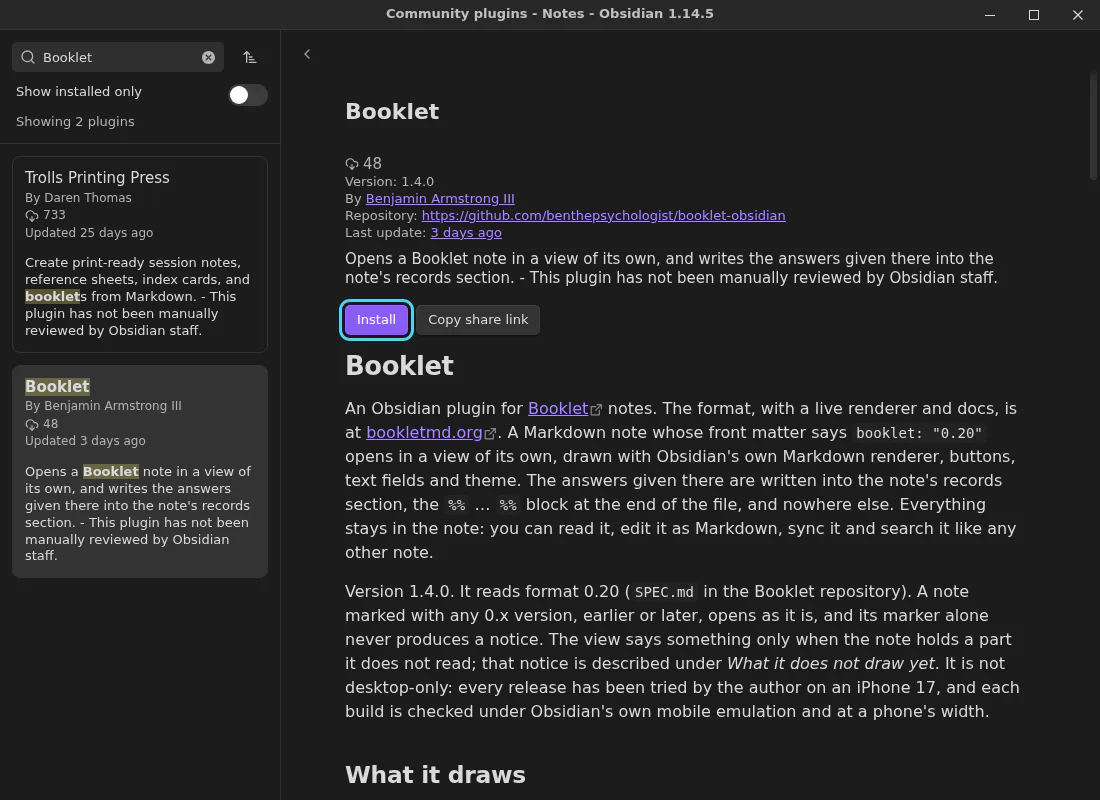
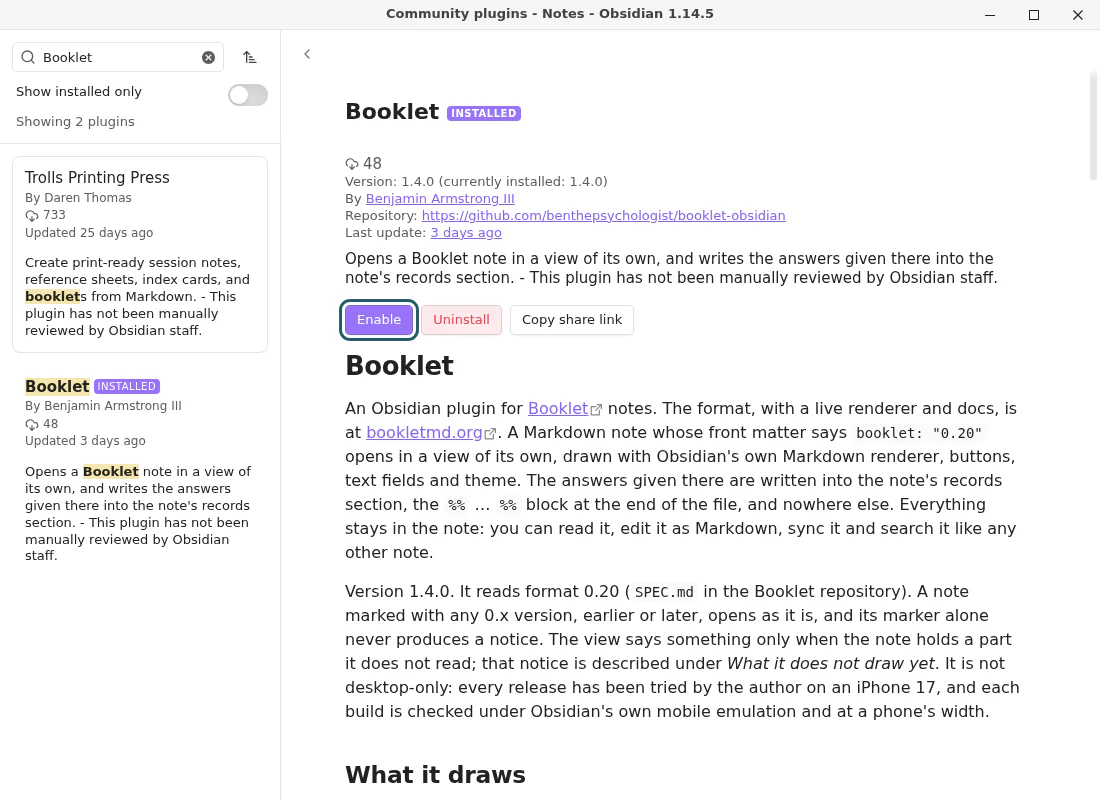
5 Turn it on
When it has installed, press Enable. Then close the plugin window and Settings.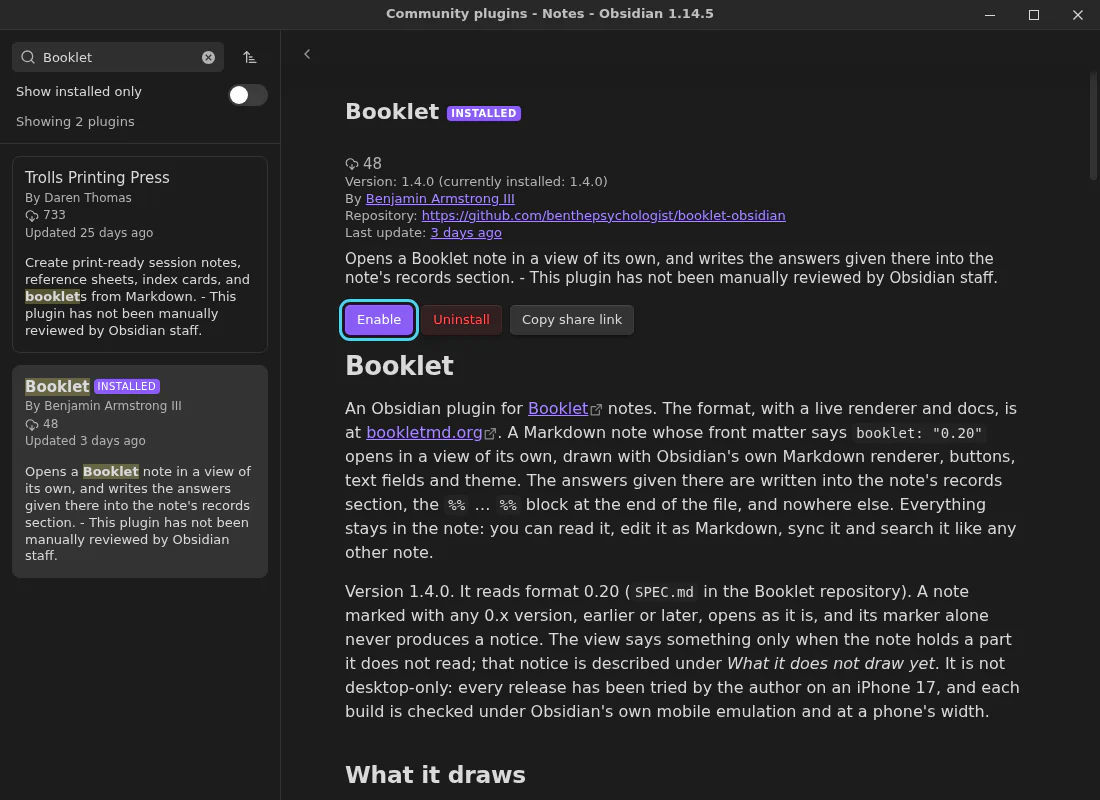
6 Put a booklet in your vault
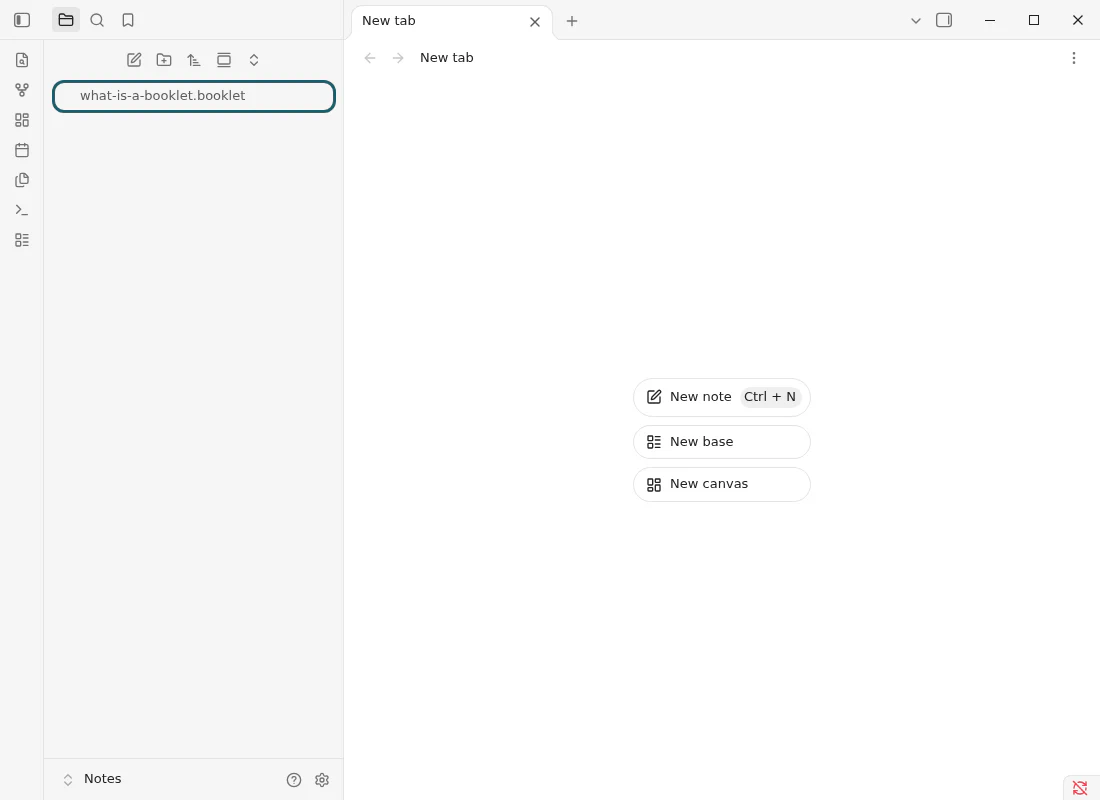
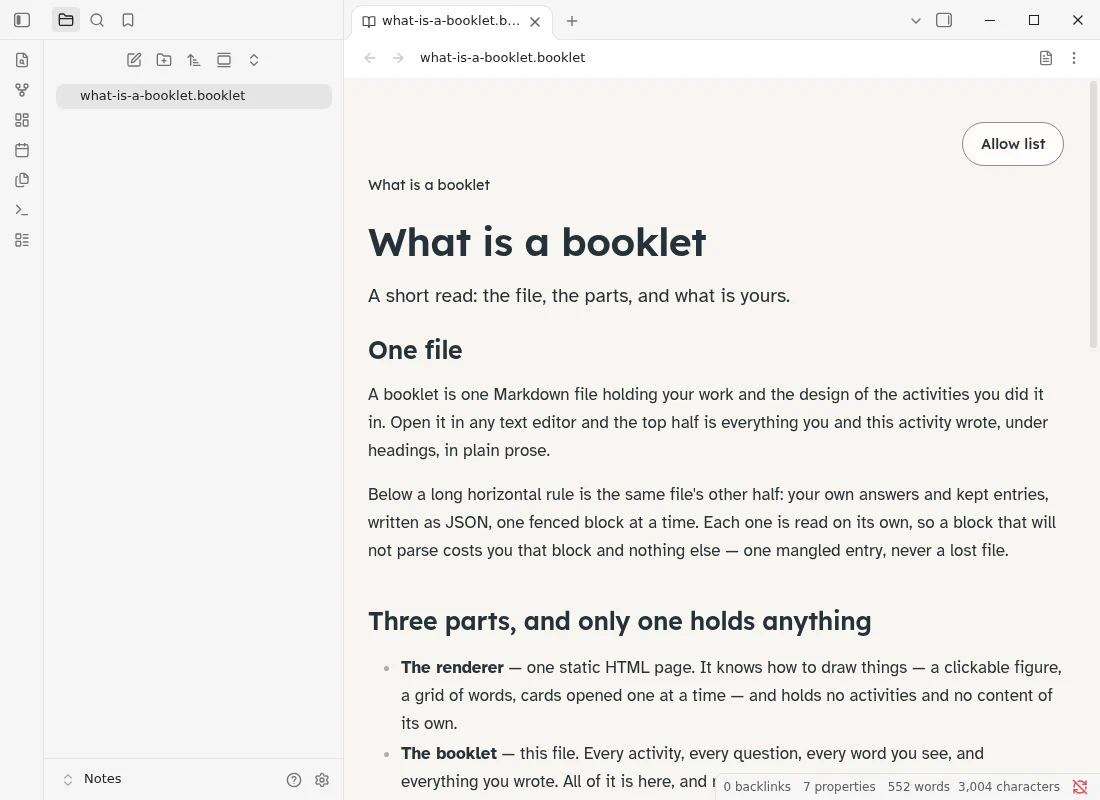
Download a template or a sample, or use one someone sent you, and move the file into your vault's folder. Its name ends in.booklet.md. It shows up in Obsidian's file list, which leaves off the.md.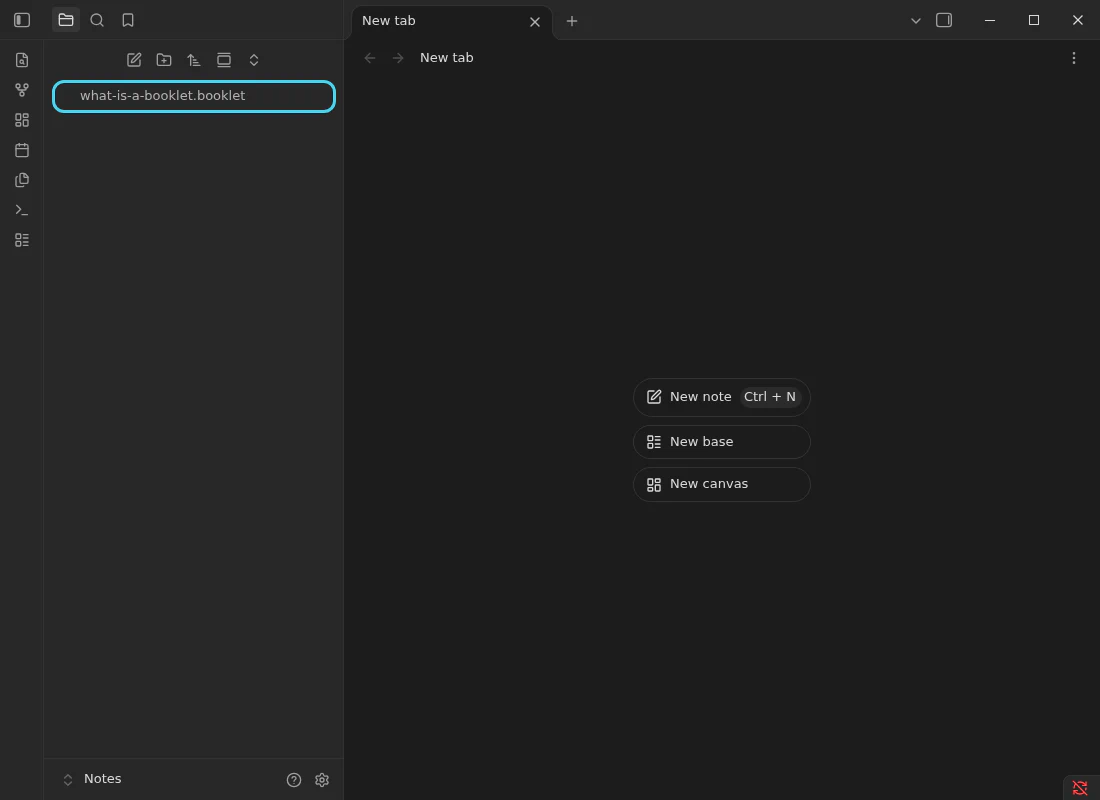
7 Open it
Choose the file in the file list. It opens as a booklet.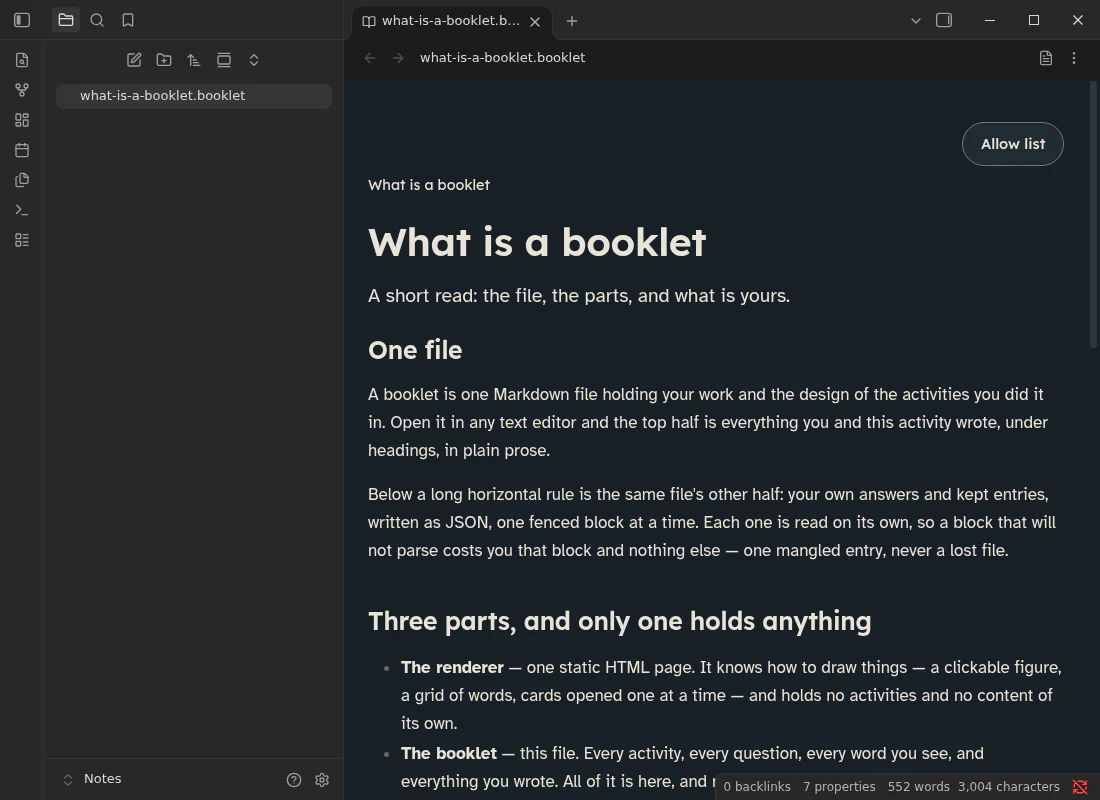
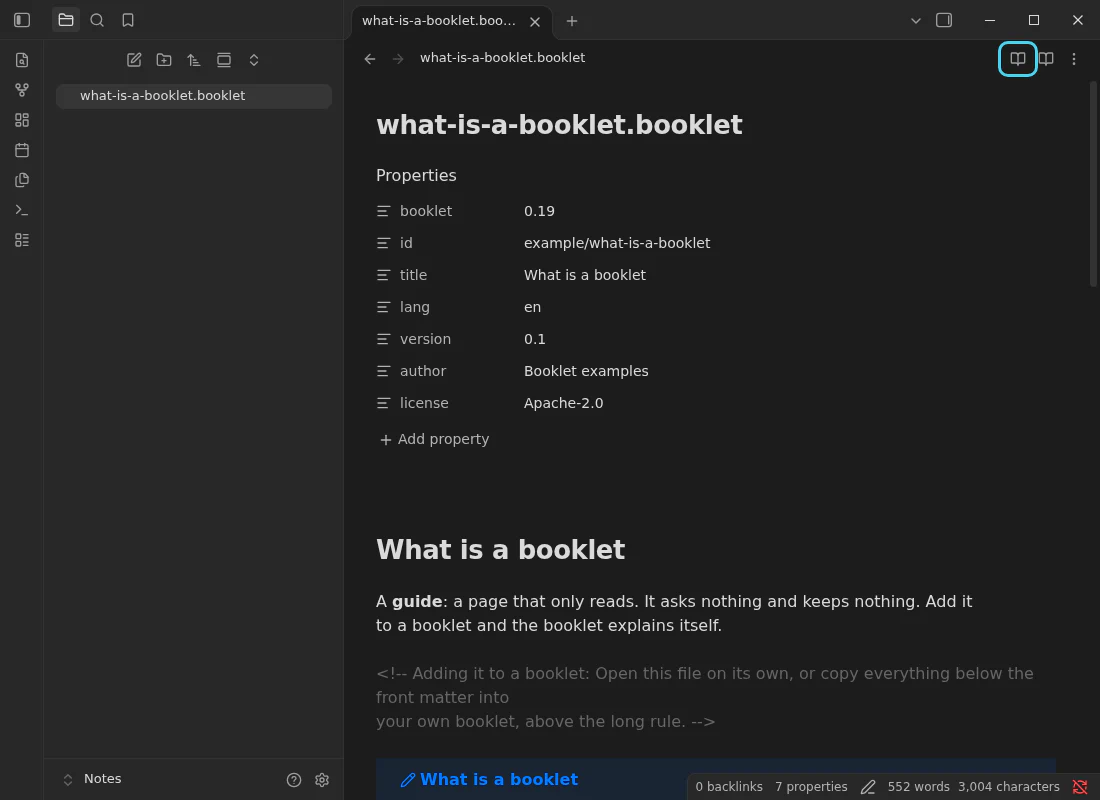
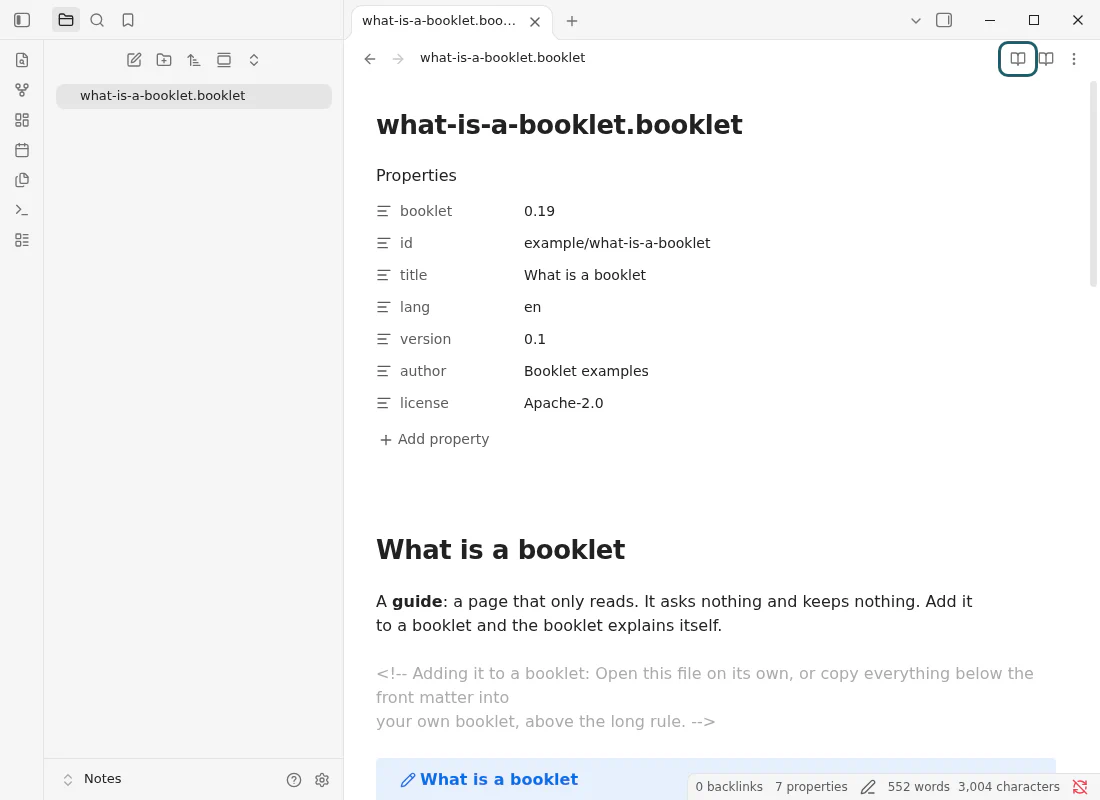
 If you see the note's text instead, press Open as booklet, the book button at the top right of the note.
On a phone
1 Open Settings
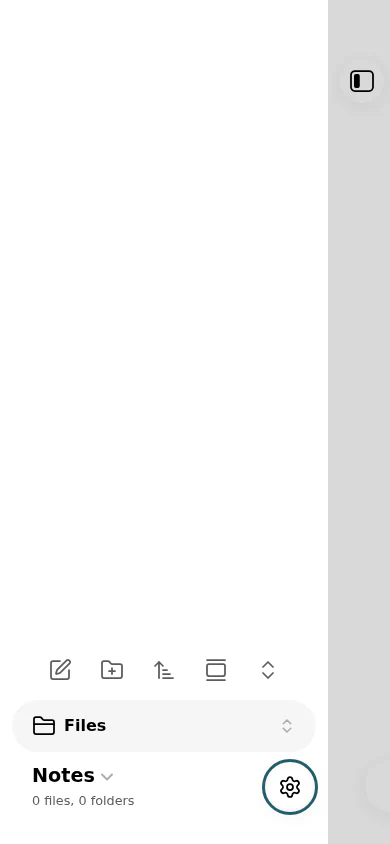
In Obsidian, tap the sidebar button at the top left, then tap the gear at the bottom.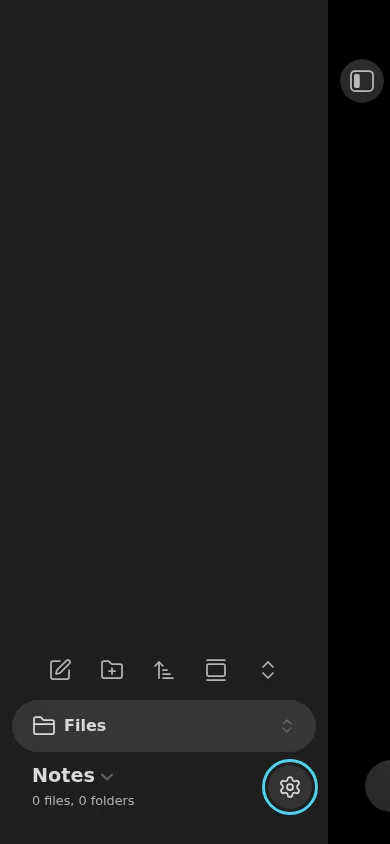
2 Turn on community plugins
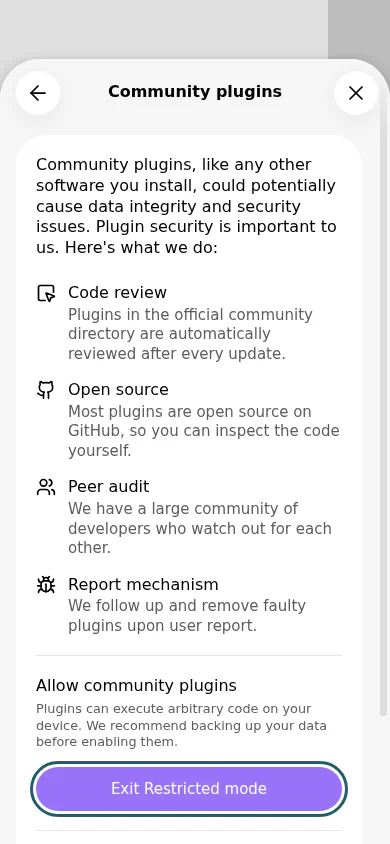
Tap Community plugins. Under Allow community plugins, tap Exit Restricted mode.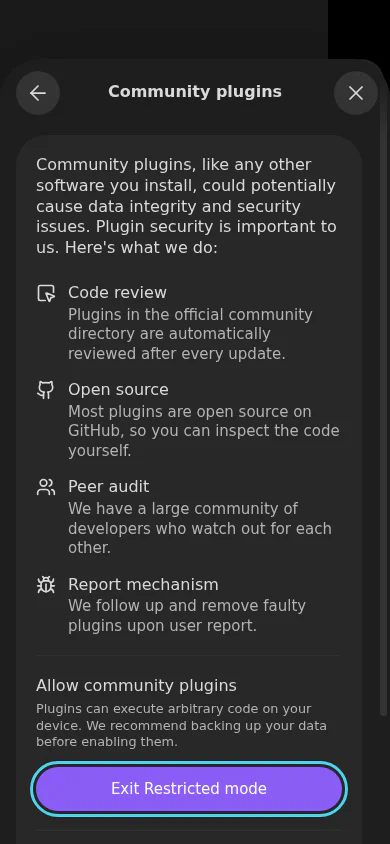
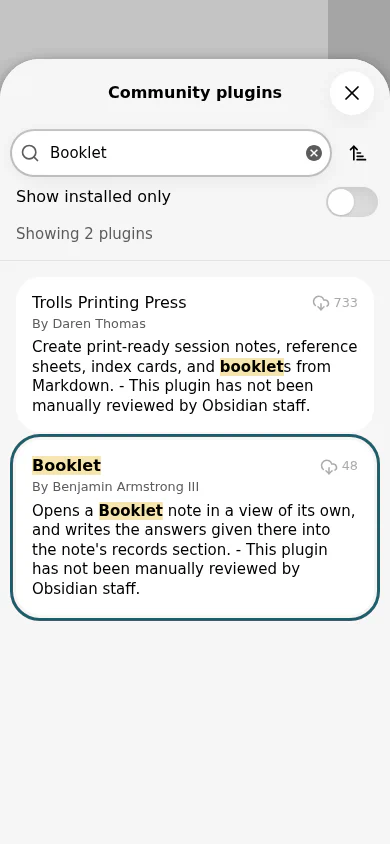
3 Find Booklet
Tap Browse. Type Booklet in the search box, and tap Booklet, by Benjamin Armstrong III.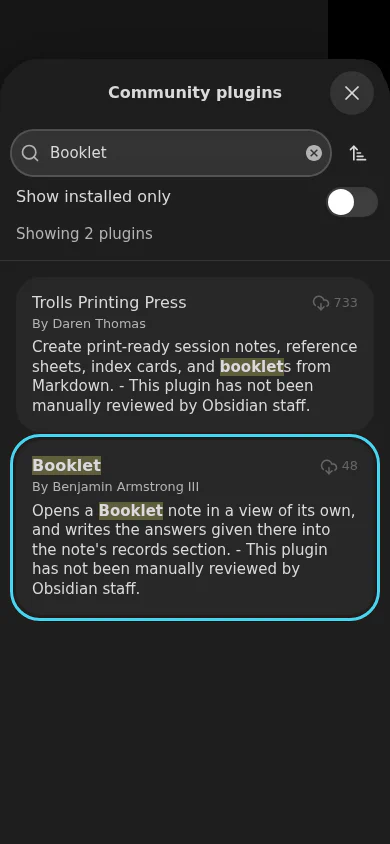
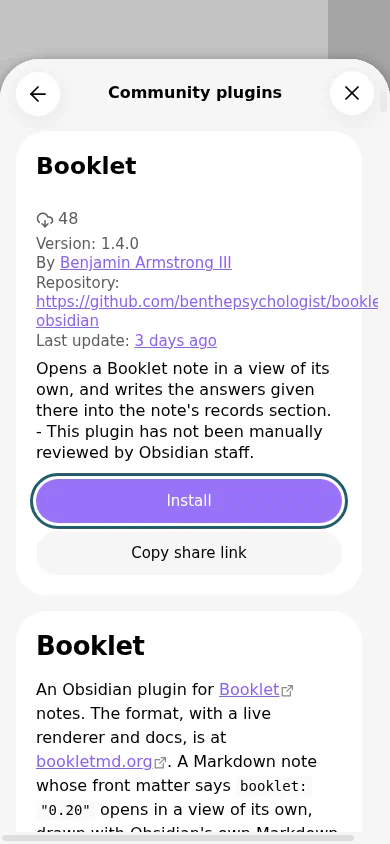
4 Install it
Tap Install.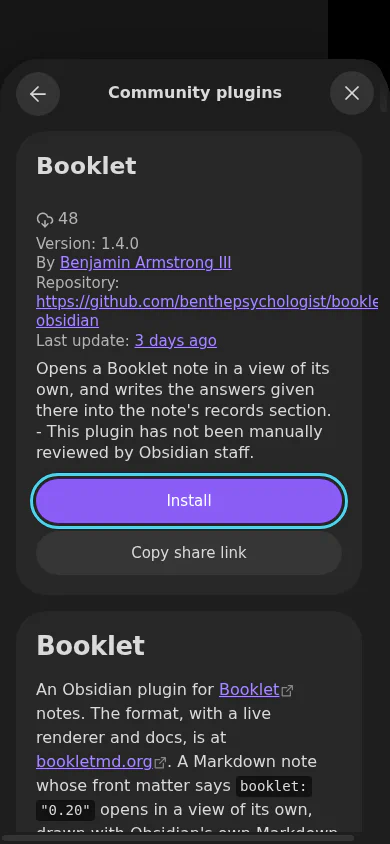
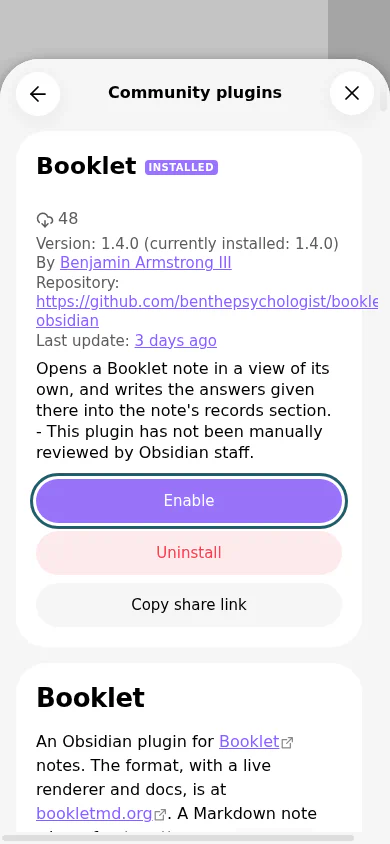
5 Turn it on
When it has installed, tap Enable. Then close the plugin list and Settings with the × at the top right.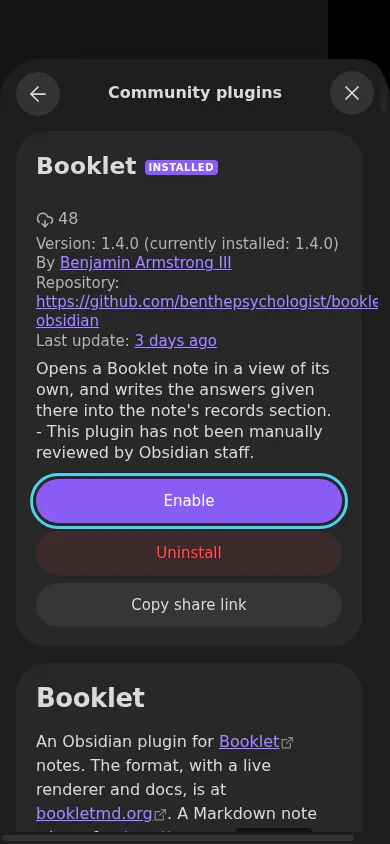
6 Put a booklet in your vault
Download a template or a sample and save it in your vault's folder. If your vault is in iCloud Drive, the Files app shows it inside the Obsidian folder. Or put the file in your vault on your computer and let your sync bring it over: Obsidian Sync, or iCloud between a Mac and an iPhone.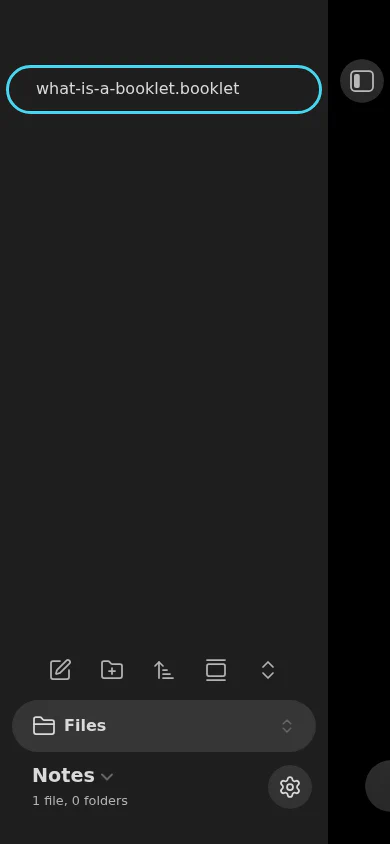
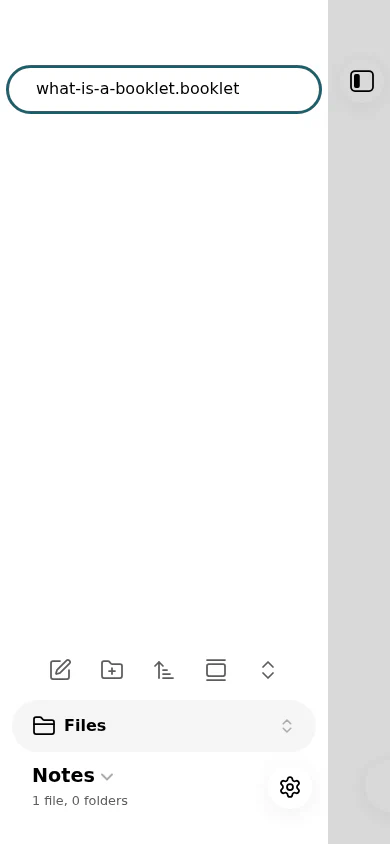
7 Open it
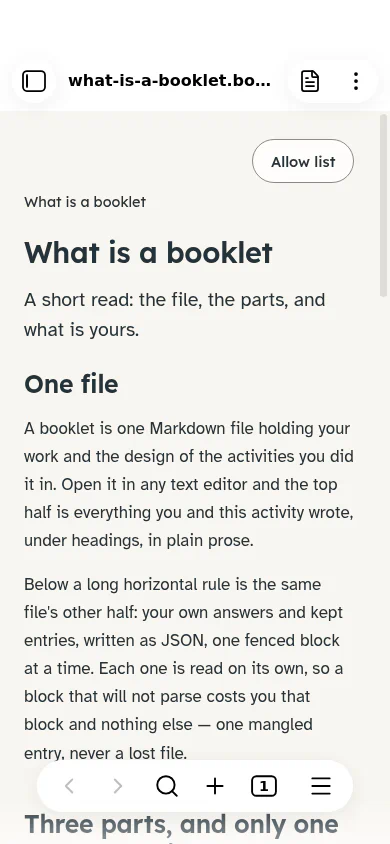
Tap the file in the file list. It opens as a booklet.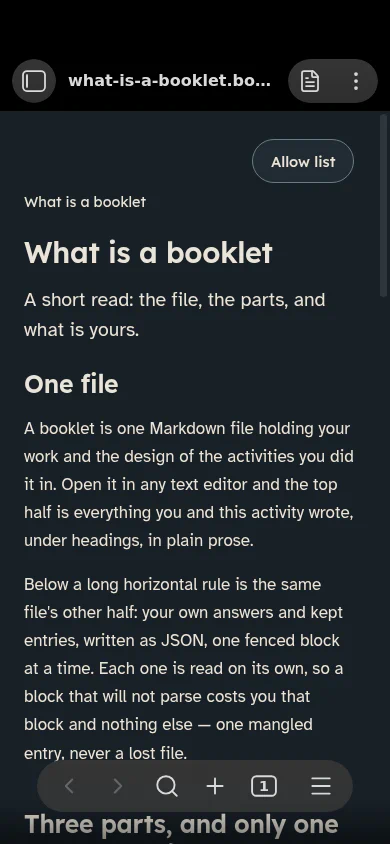
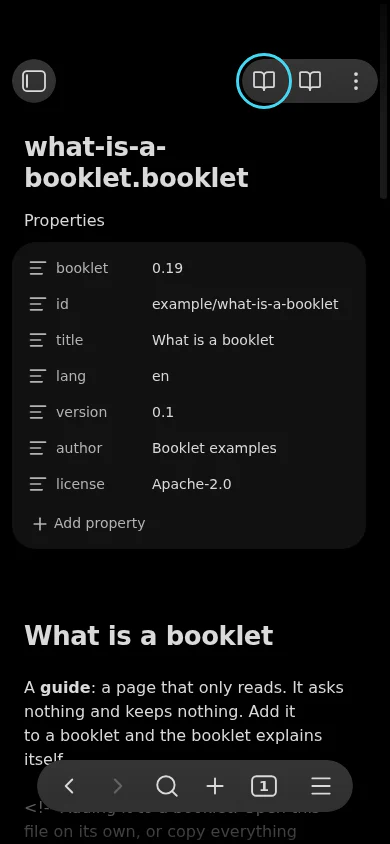
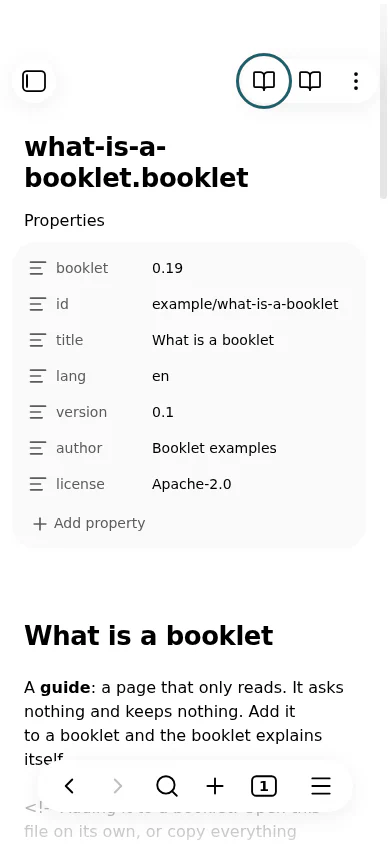
 If you see the note's text instead, tap Open as booklet, the book button at the top right of the note.
Tried on an iPhone. Not yet tried on Android. The pictures are from Obsidian 1.14.5; the phone ones show its phone layout on a computer.